DiskFrend for Mac
See what’s filling your Mac.
A native Mac app that maps your disk in one scan, then clears what you don’t need — safely. Nothing is permanently deleted. It all goes to the Trash.
$9 once · Offline after activate · macOS 14 or later · Pricing
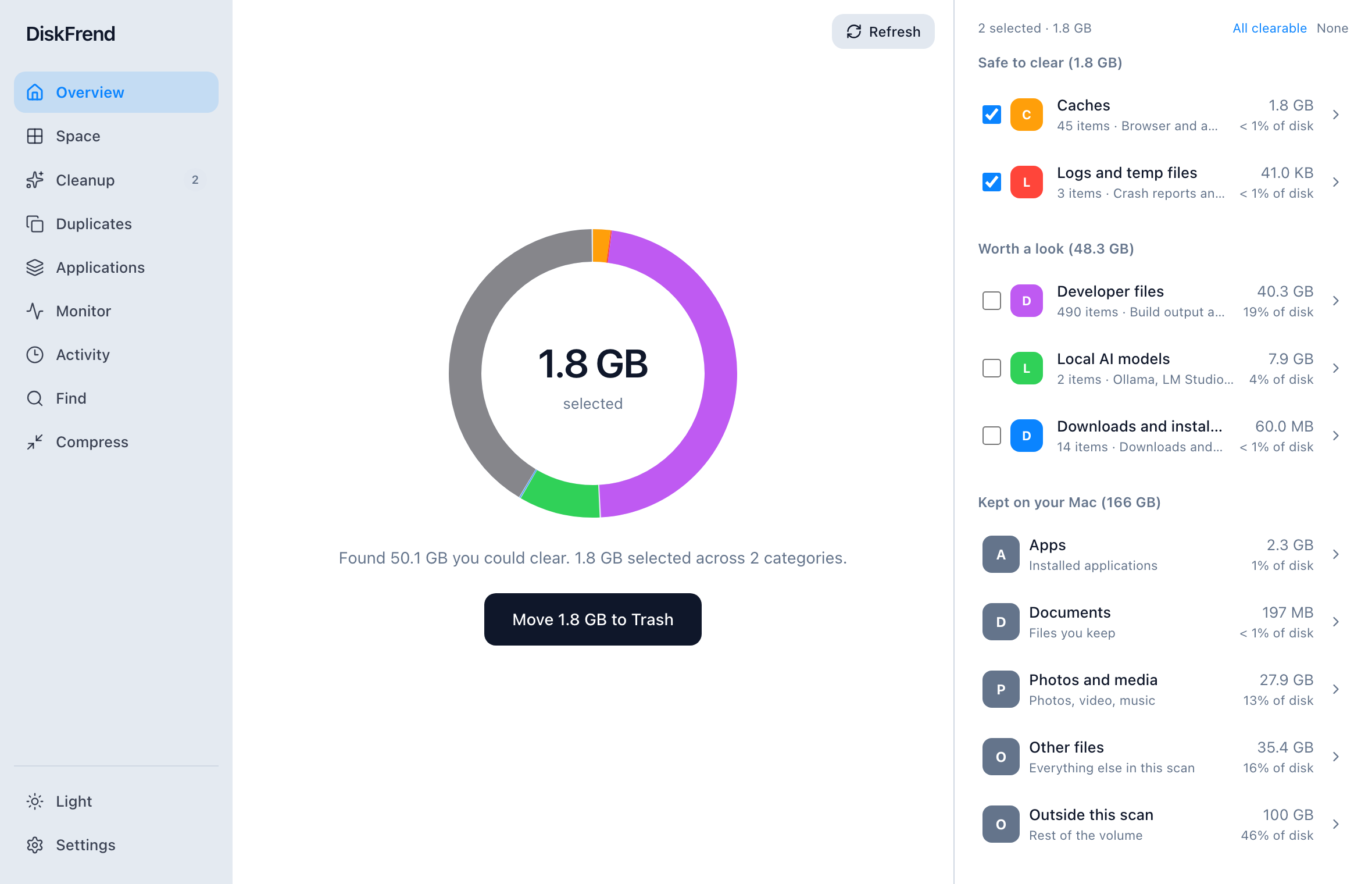
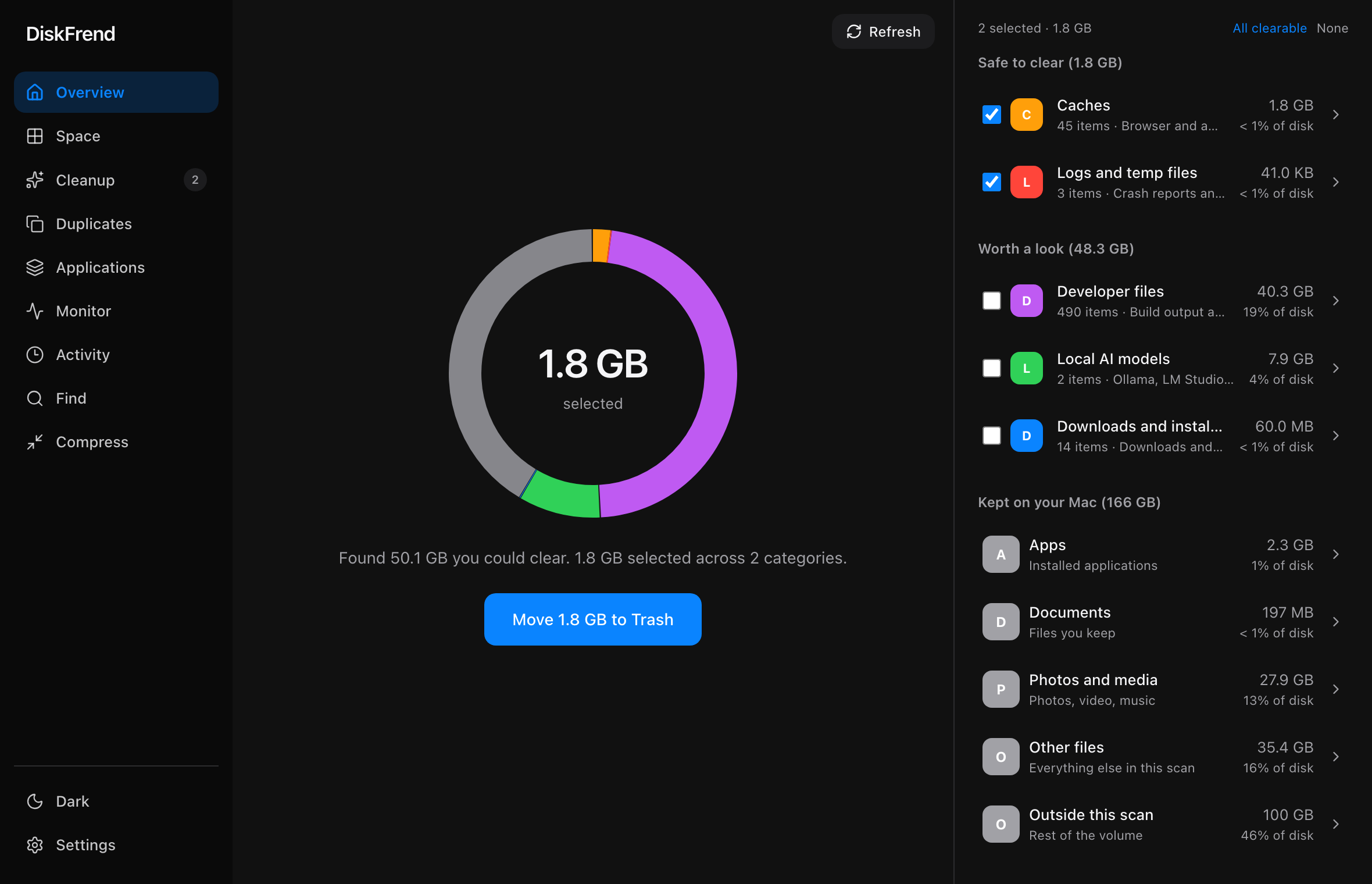
The bar you know, finally explained.
Like the storage bar in System Settings — with every slice named, sized, and ready to open.
- Kept
- Developer
- Downloads
- Caches
- Logs
- Media
Every byte, on one screen.
Nine rooms, one scan. What you keep shows in grey. What you could clear shows in colour.
- 01 Overview One scan, and the whole drive on one screen. Learn more ›
-
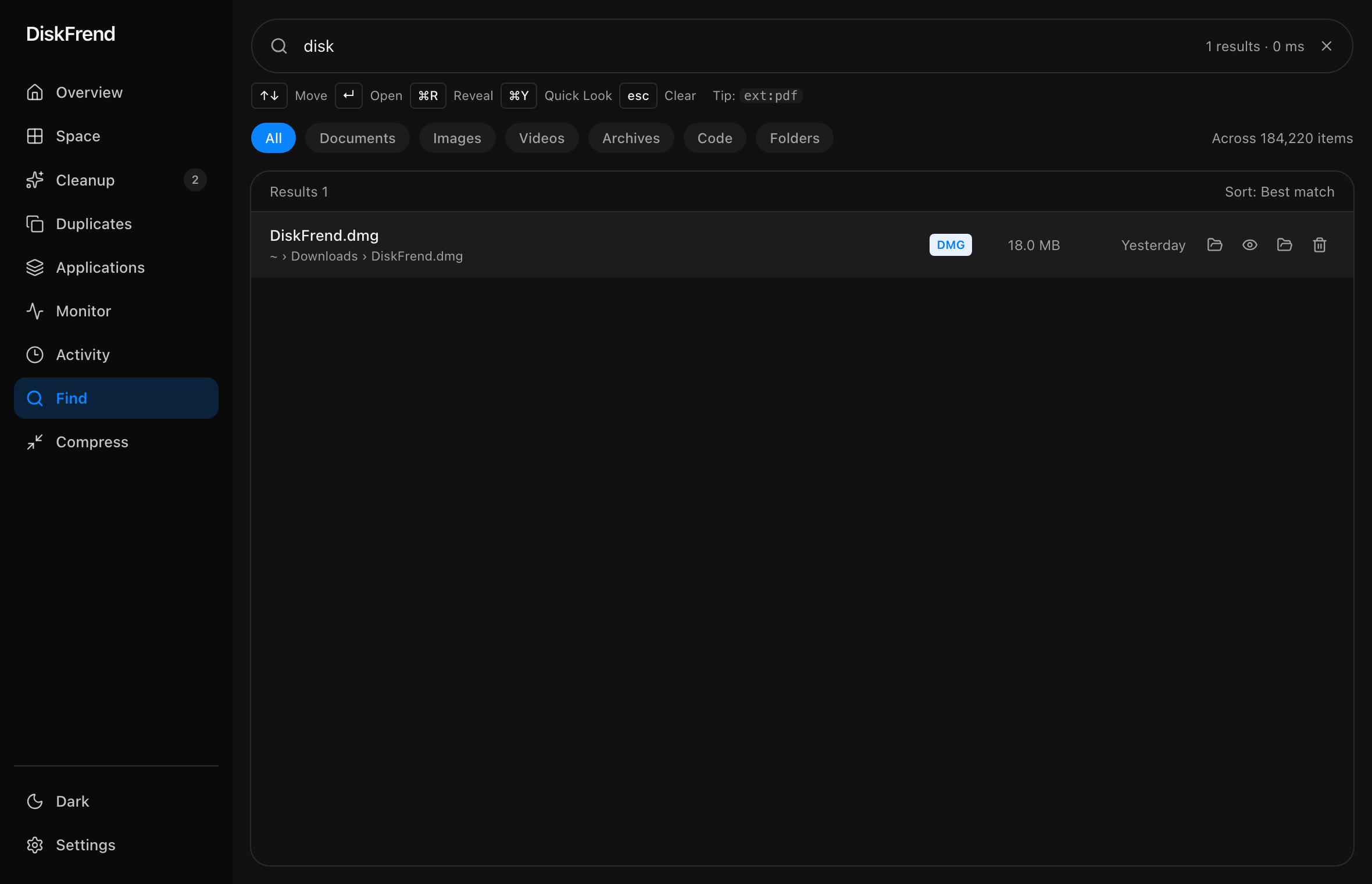
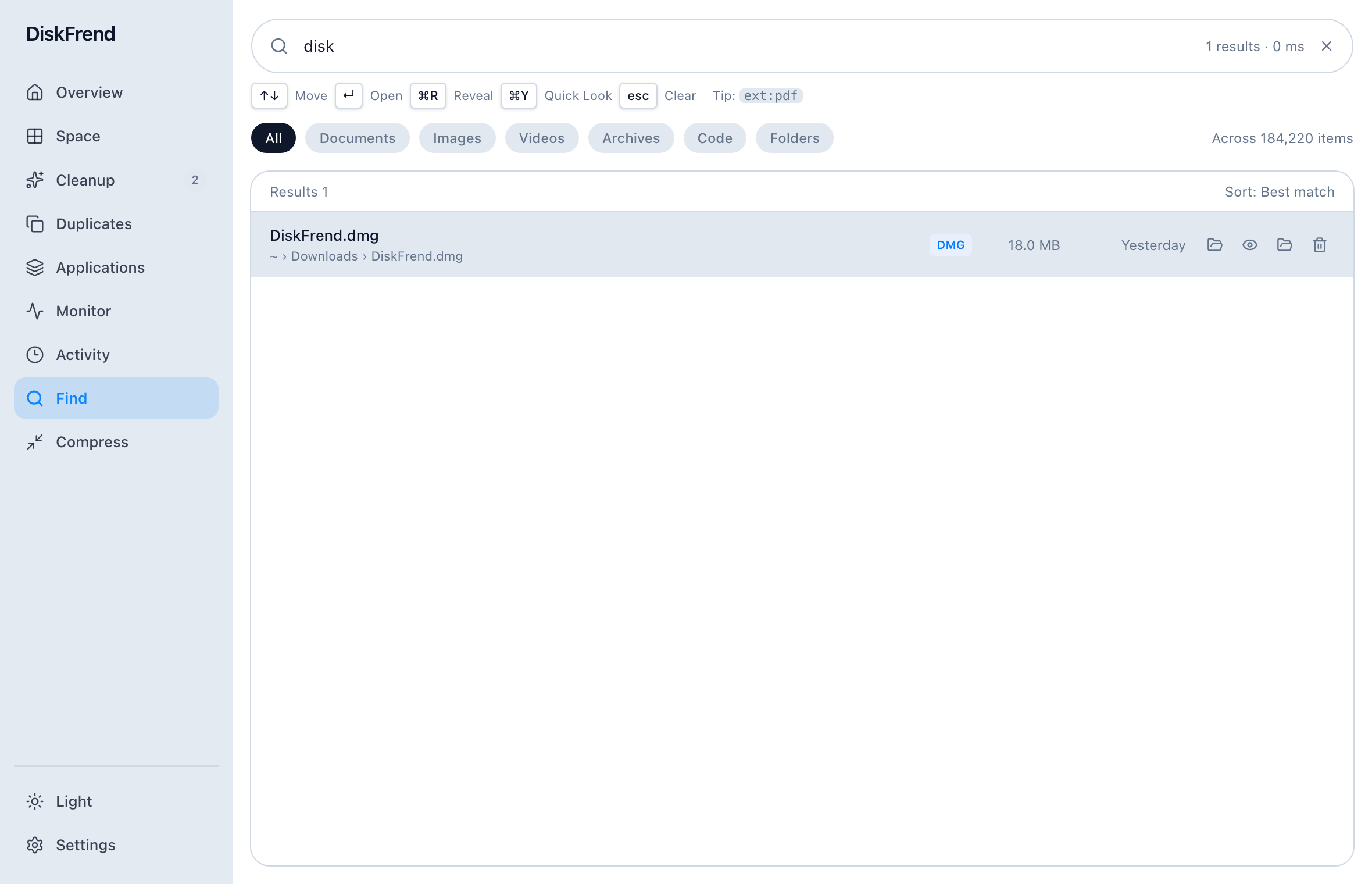 02 Find Any file, found as you type — including hidden ones. Learn more ›
-
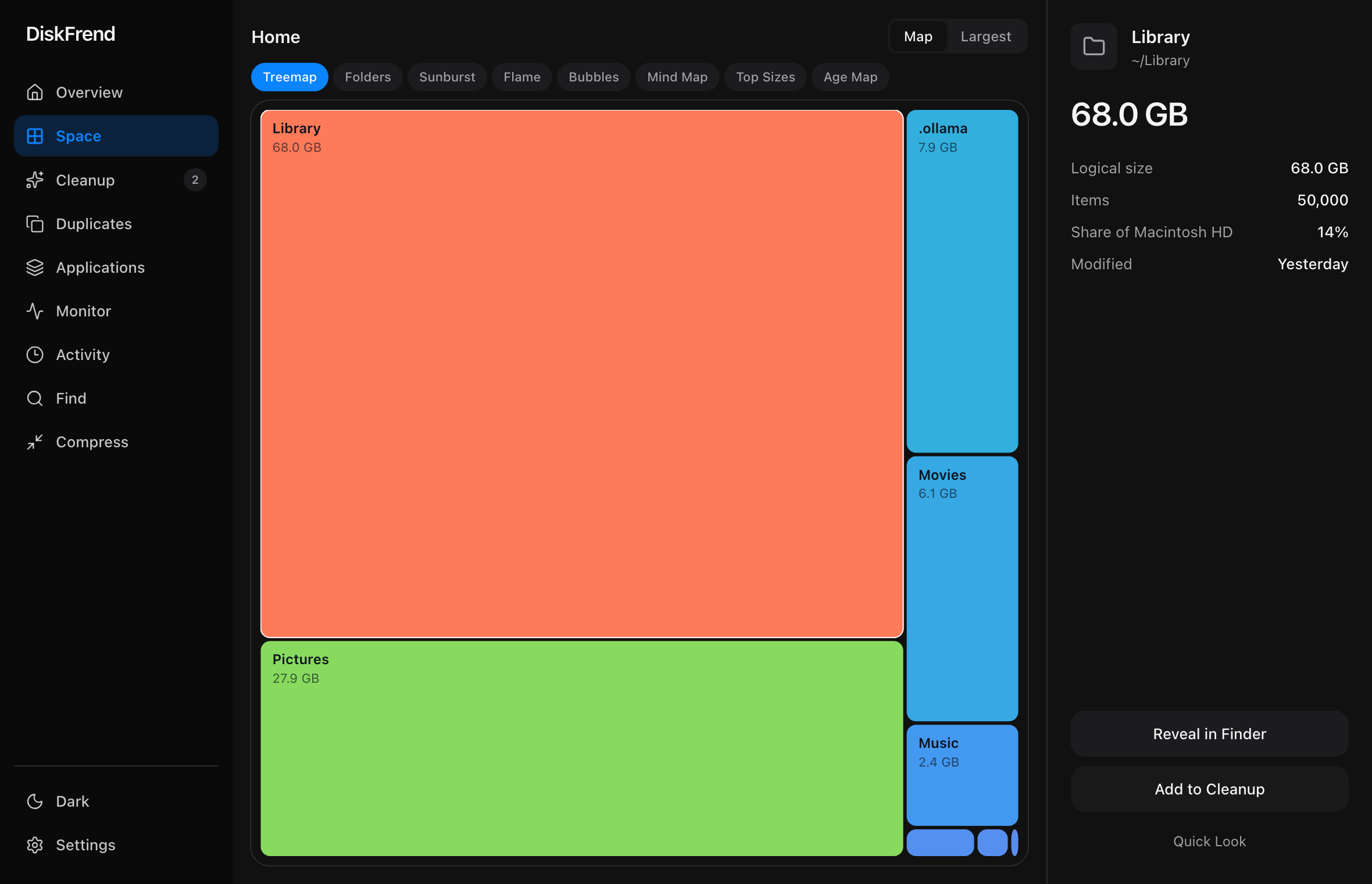
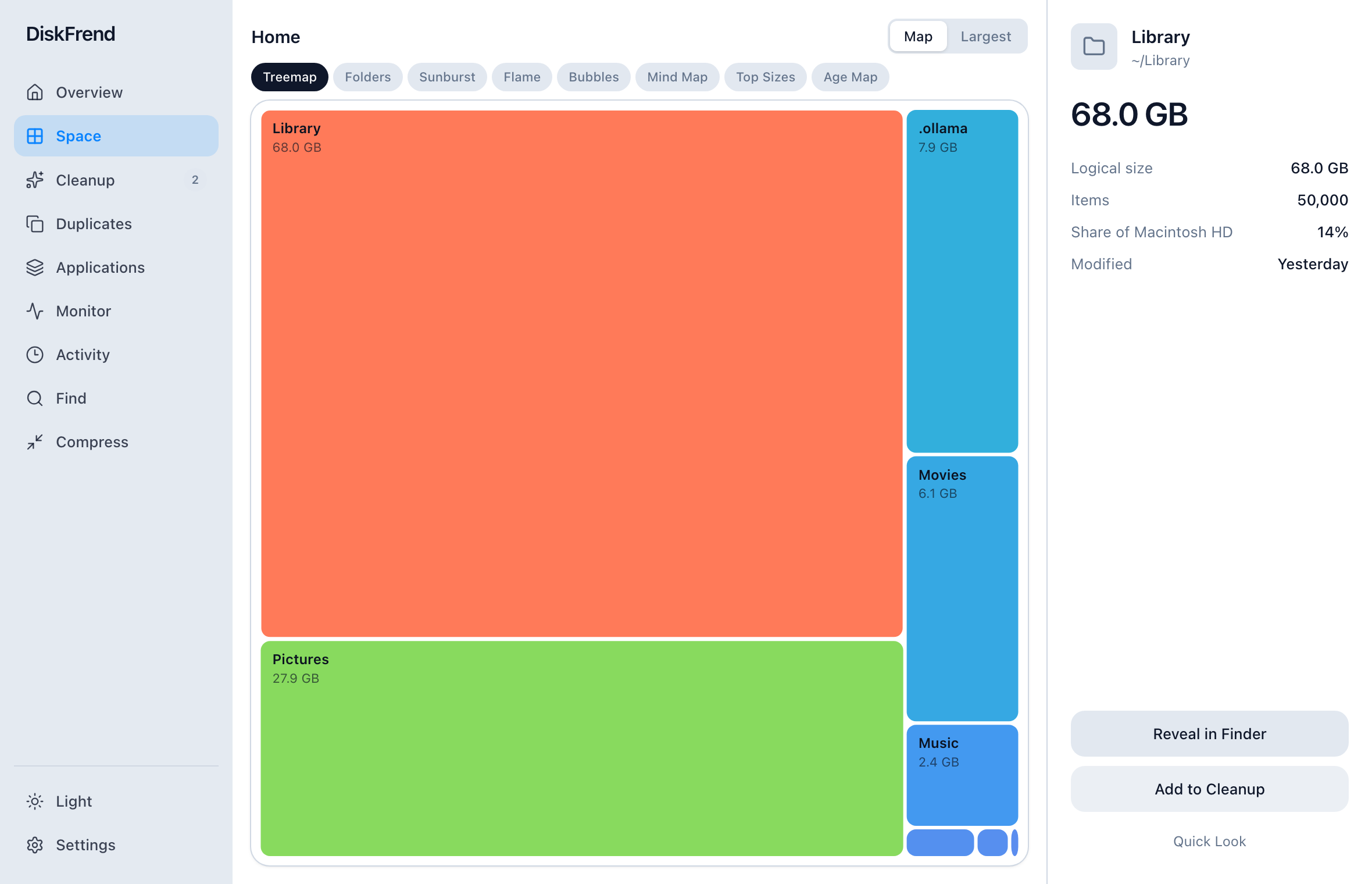 03 Space The heavy things come to the top. Learn more ›
-
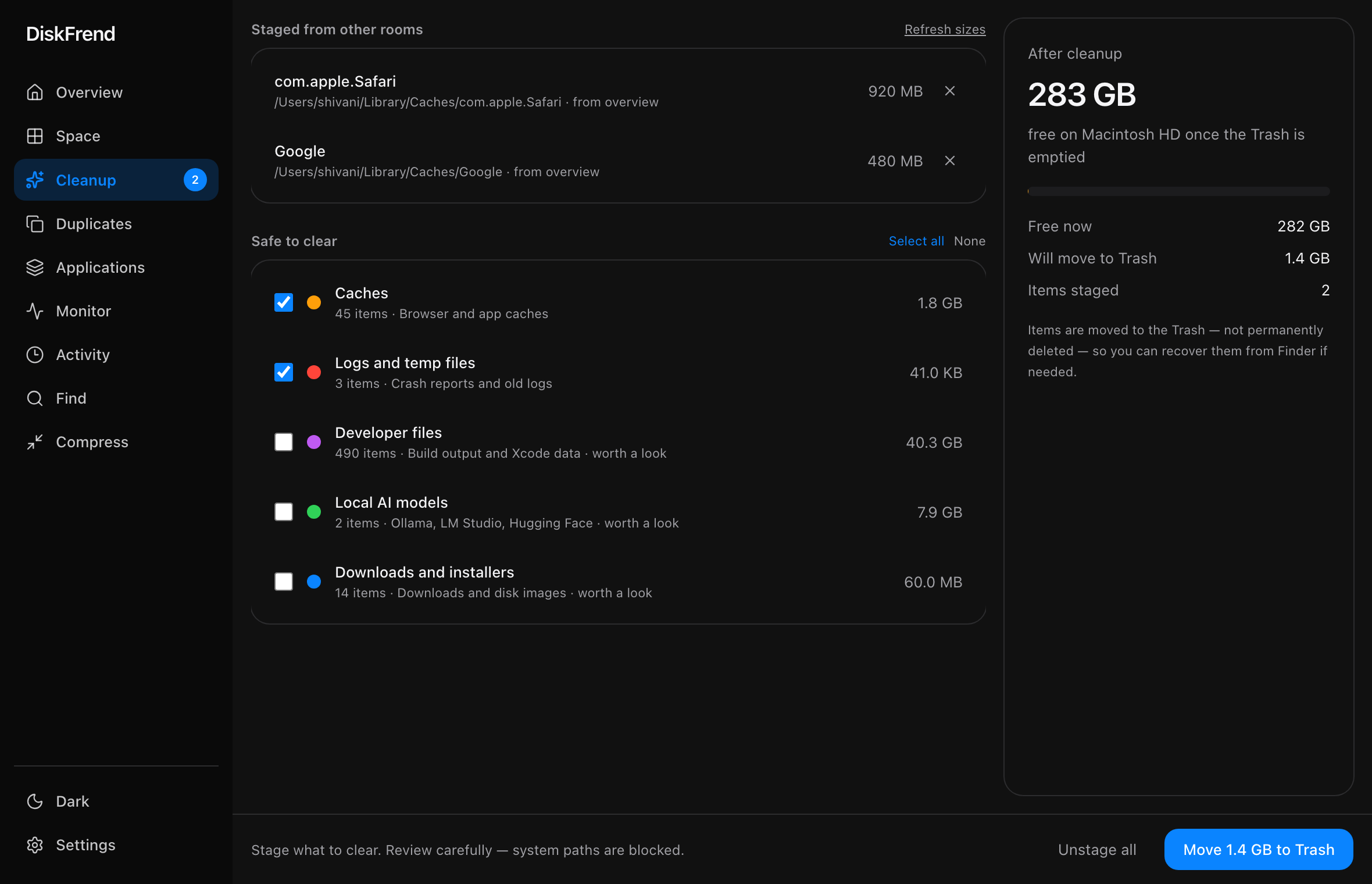
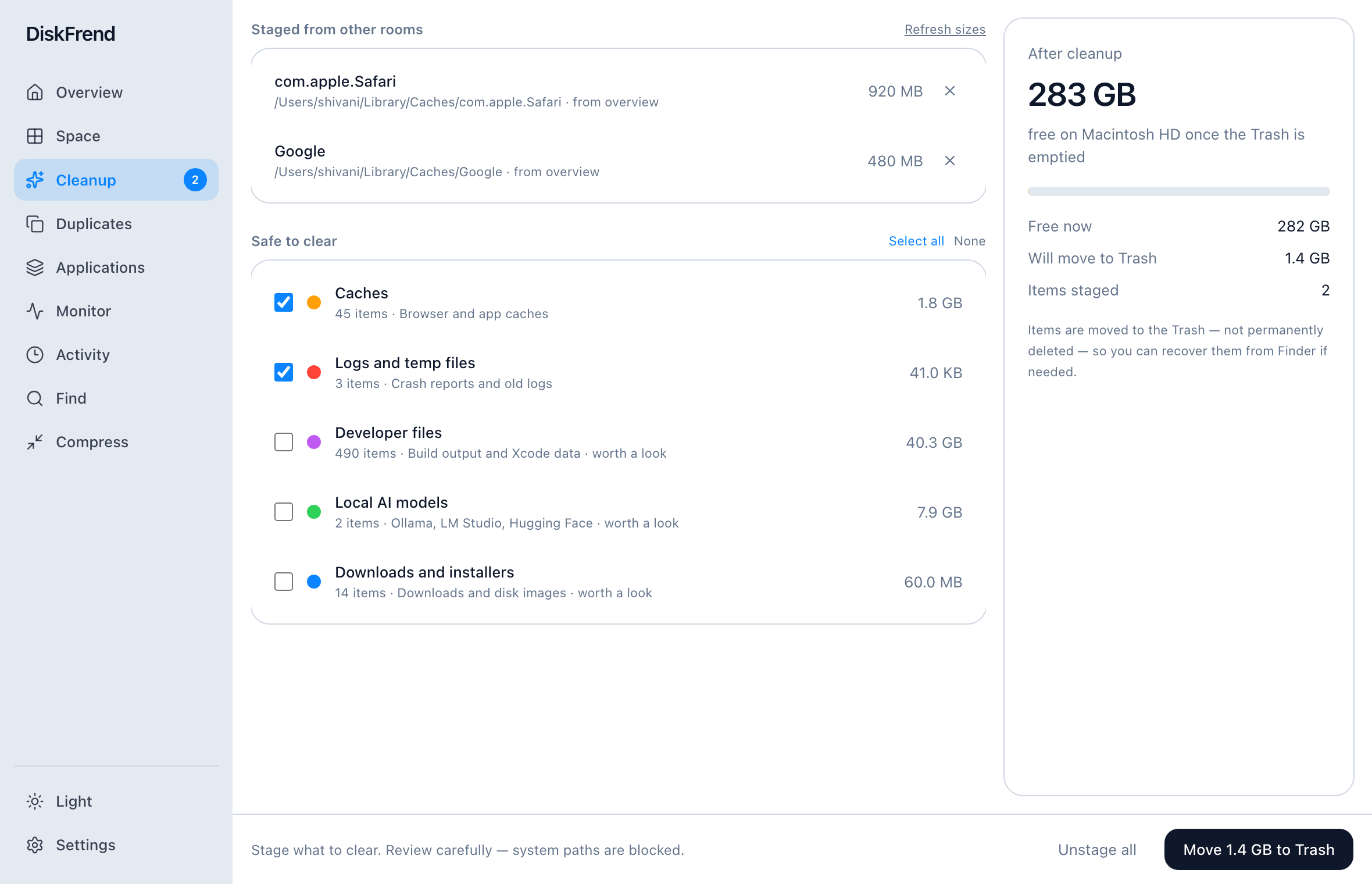 04 Cleanup Caches, logs and leftovers — staged, then Trash only. Learn more ›
-
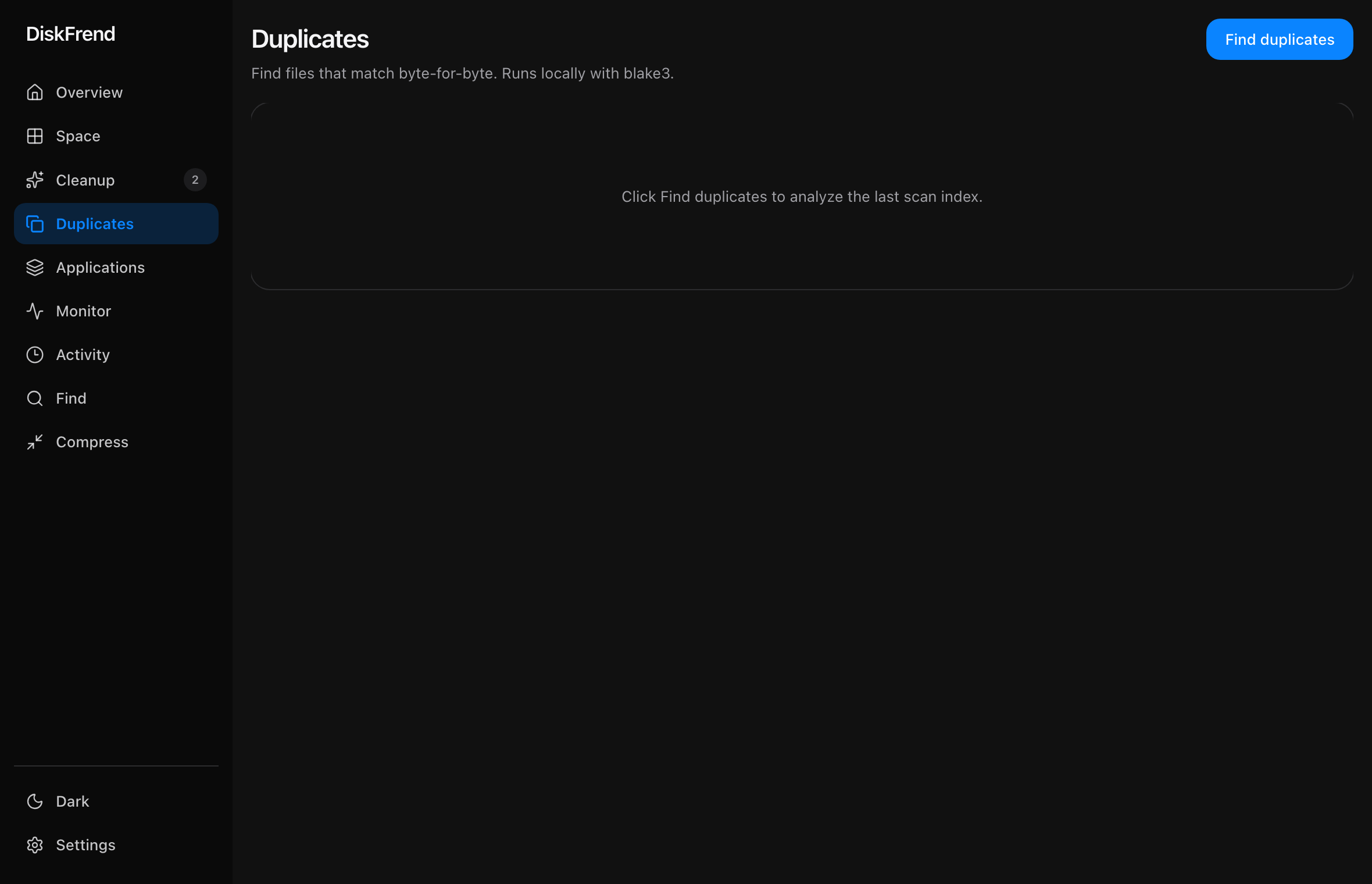
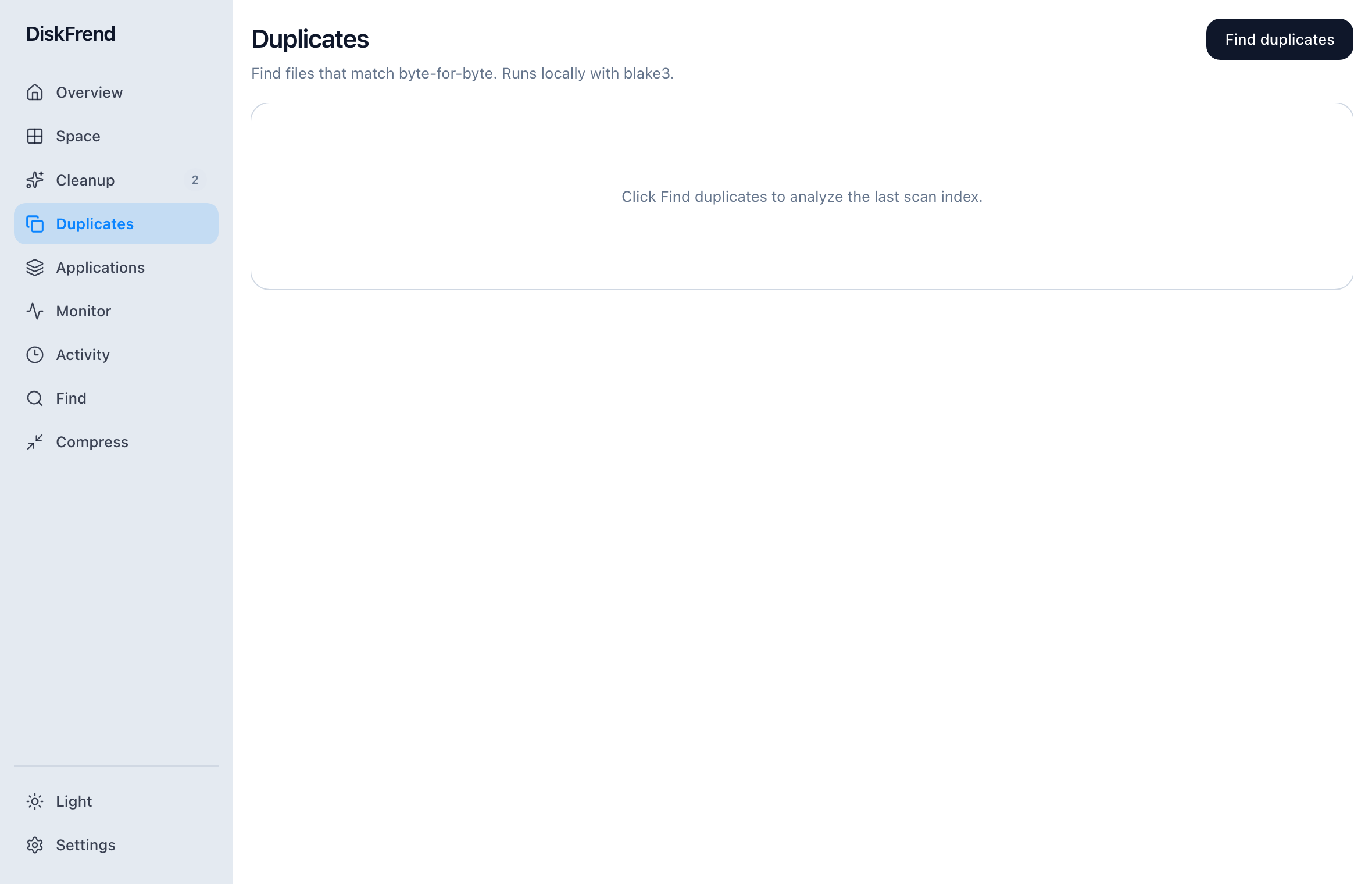 05 Duplicates Files that exist twice, matched carefully. Learn more ›
-
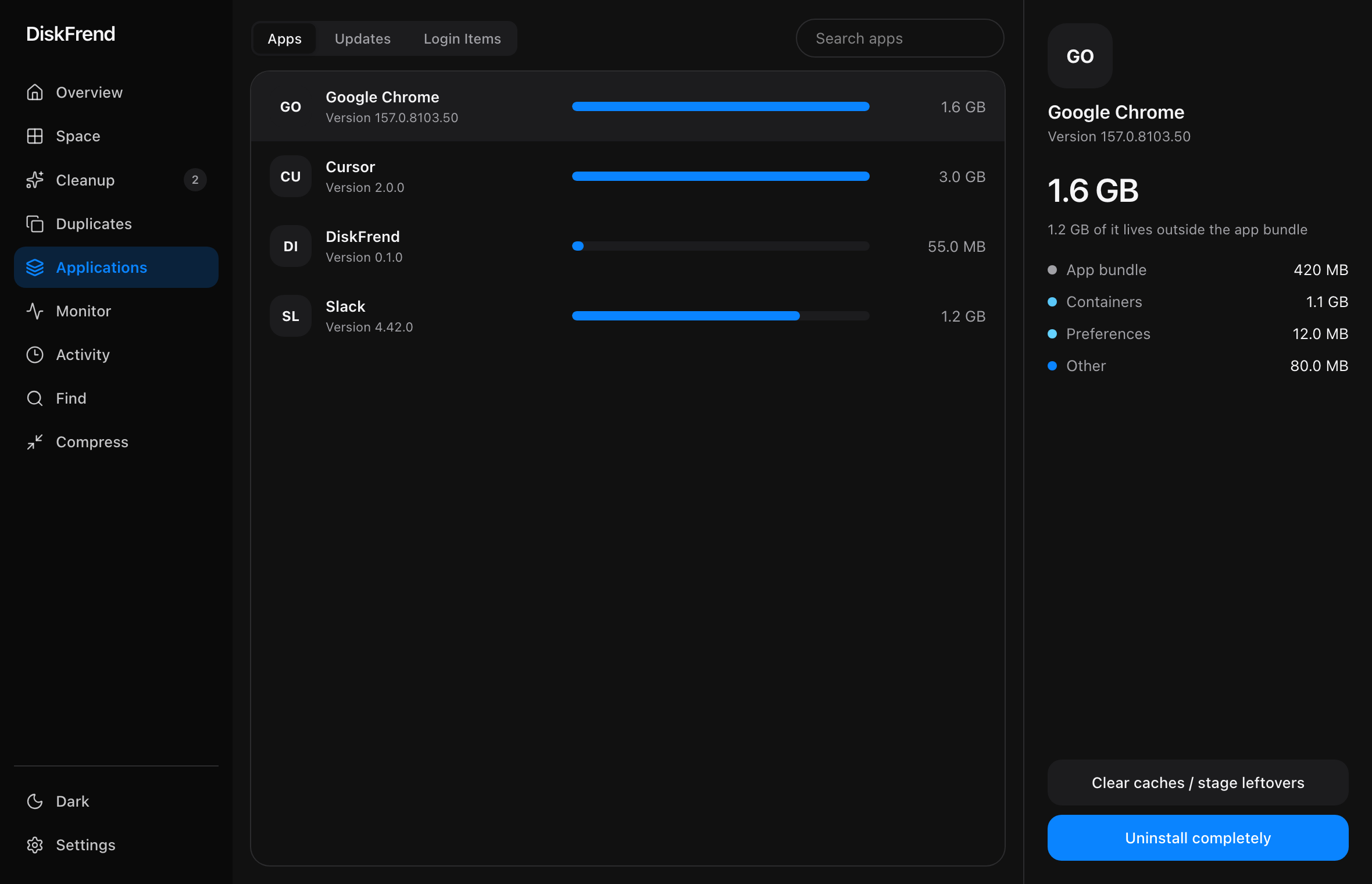
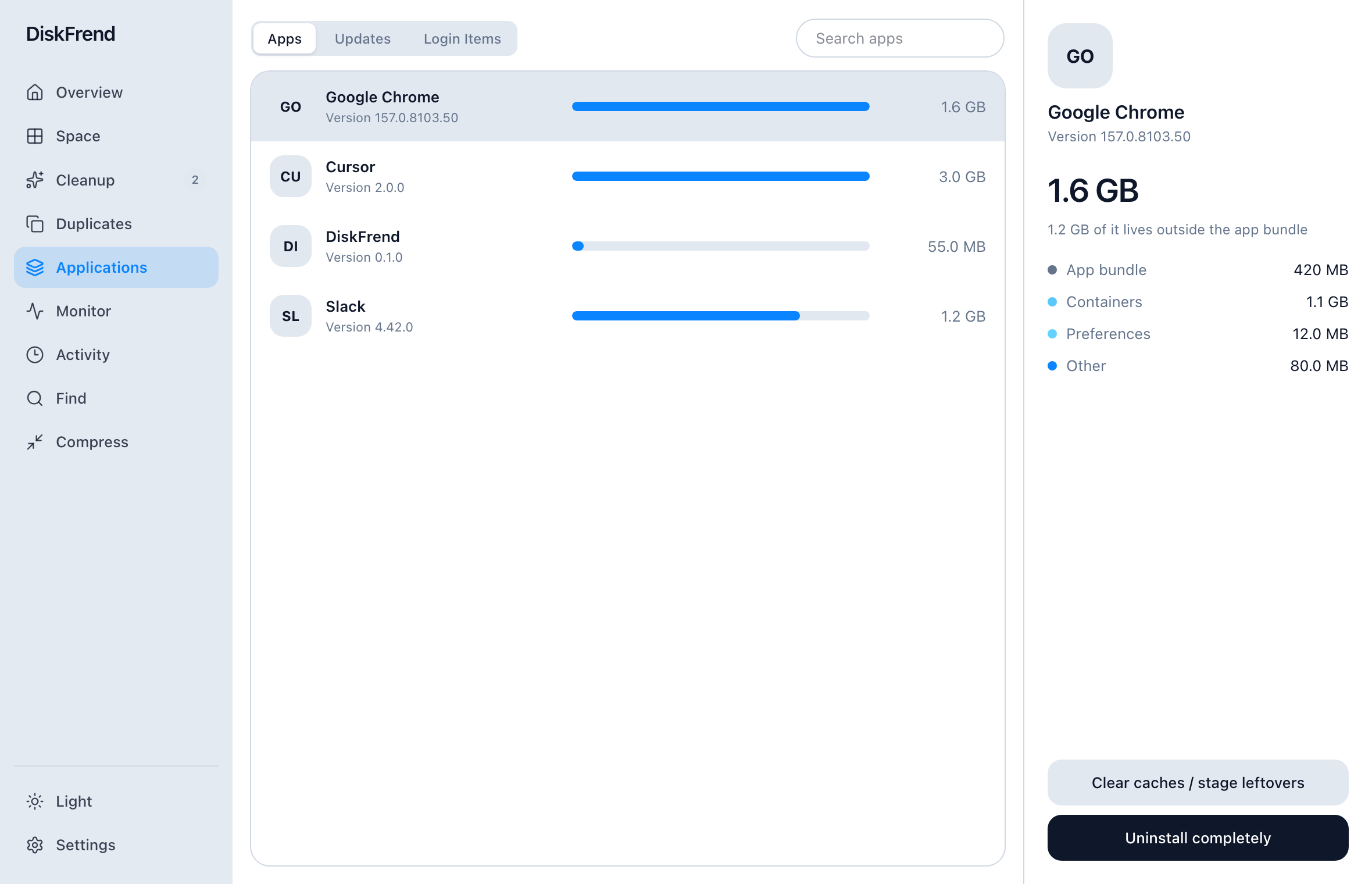 06 Applications Every app plus what it left behind. Learn more ›
-
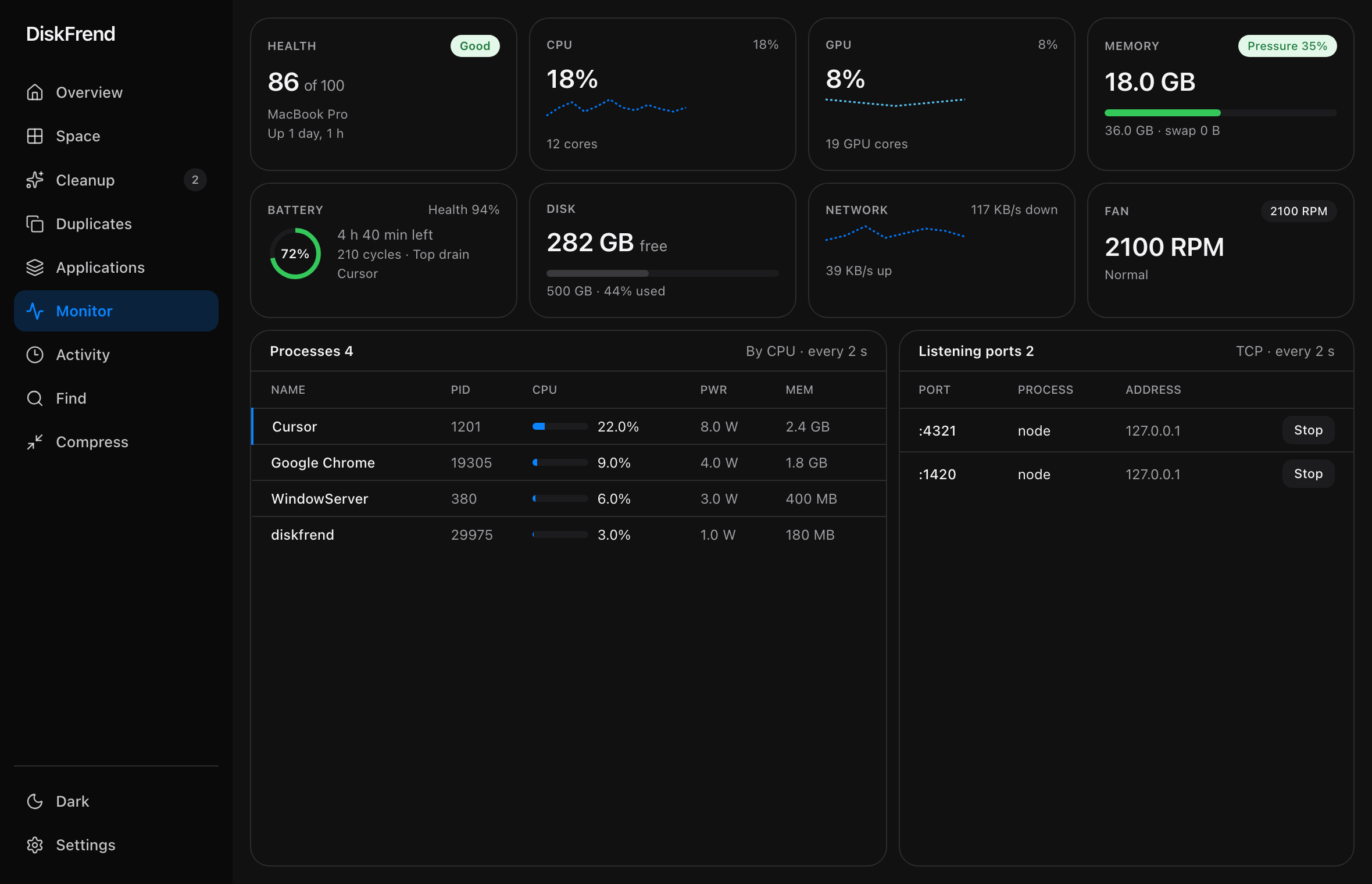
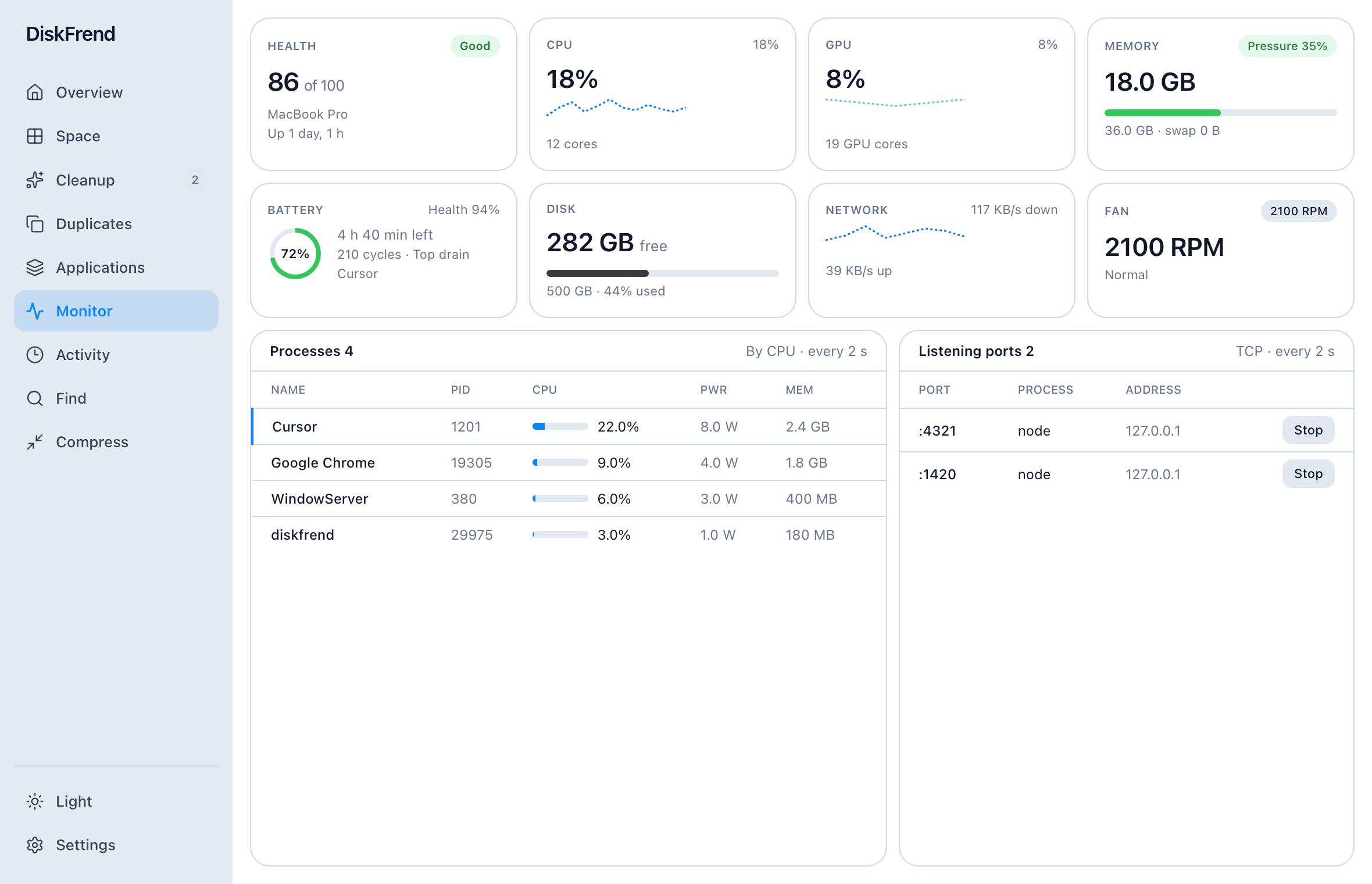 07 Monitor CPU, memory, and ports — live. Learn more ›
-
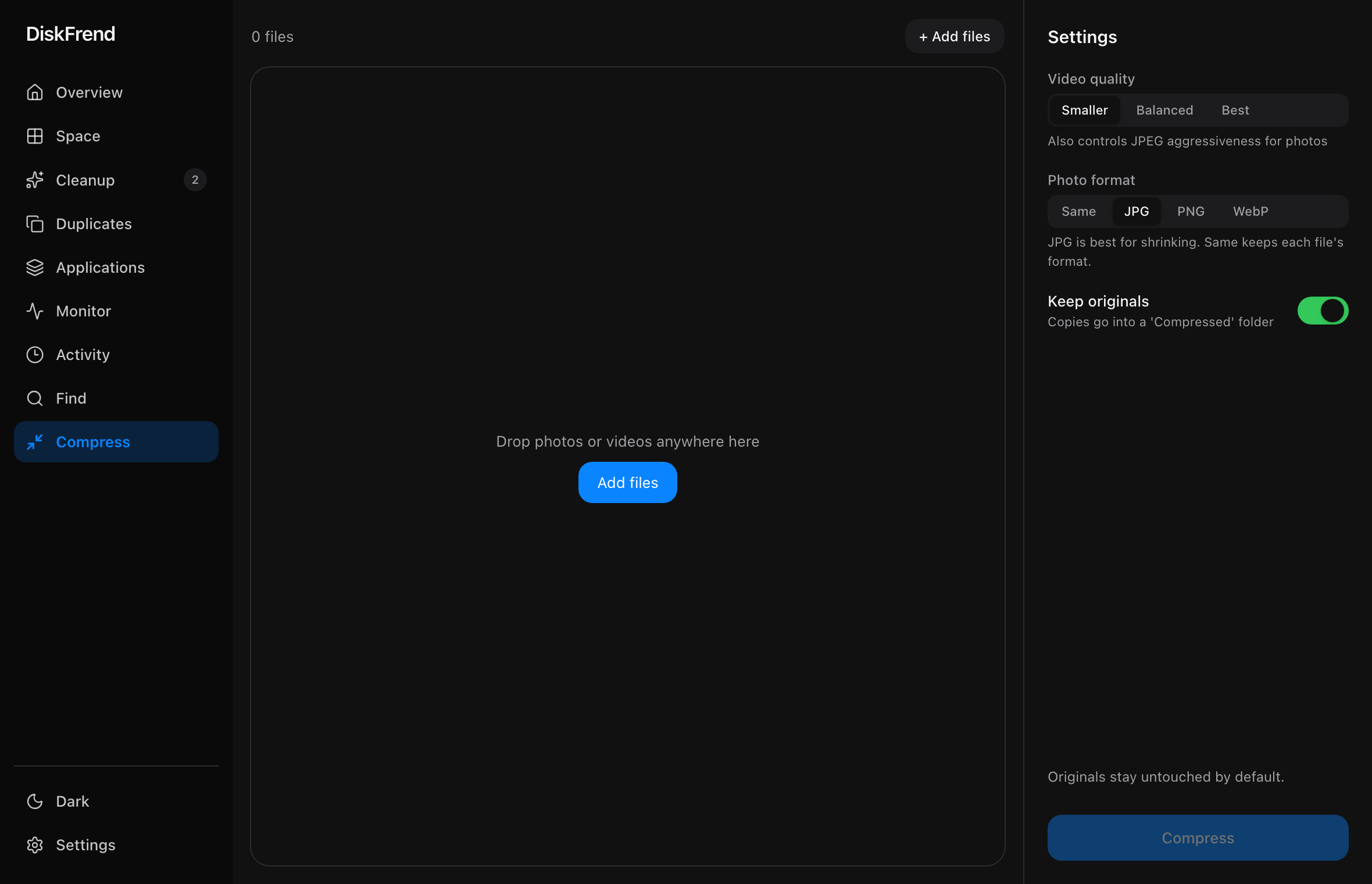
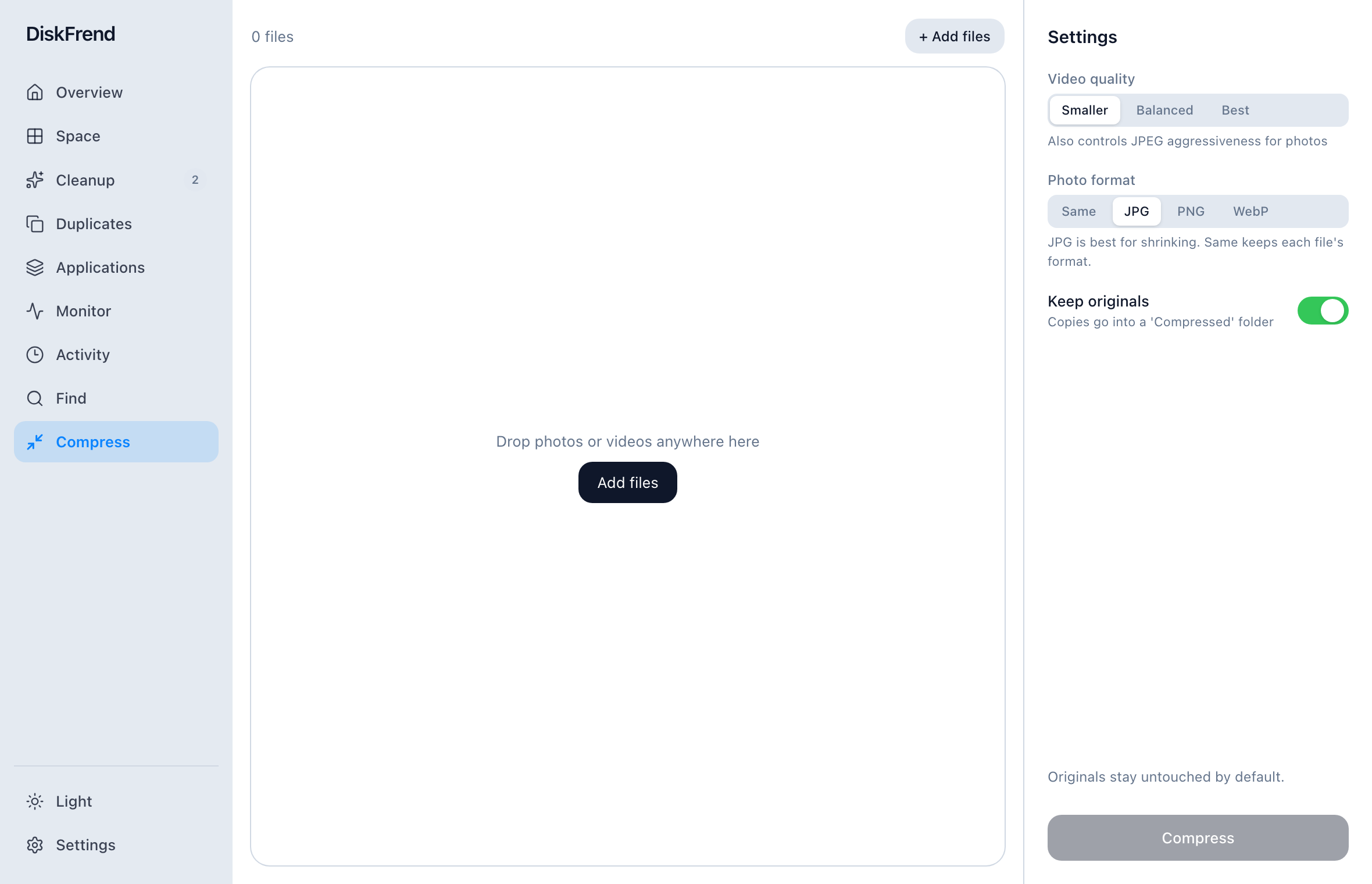 08 Compress Shrink media instead of deleting it. Learn more ›
-
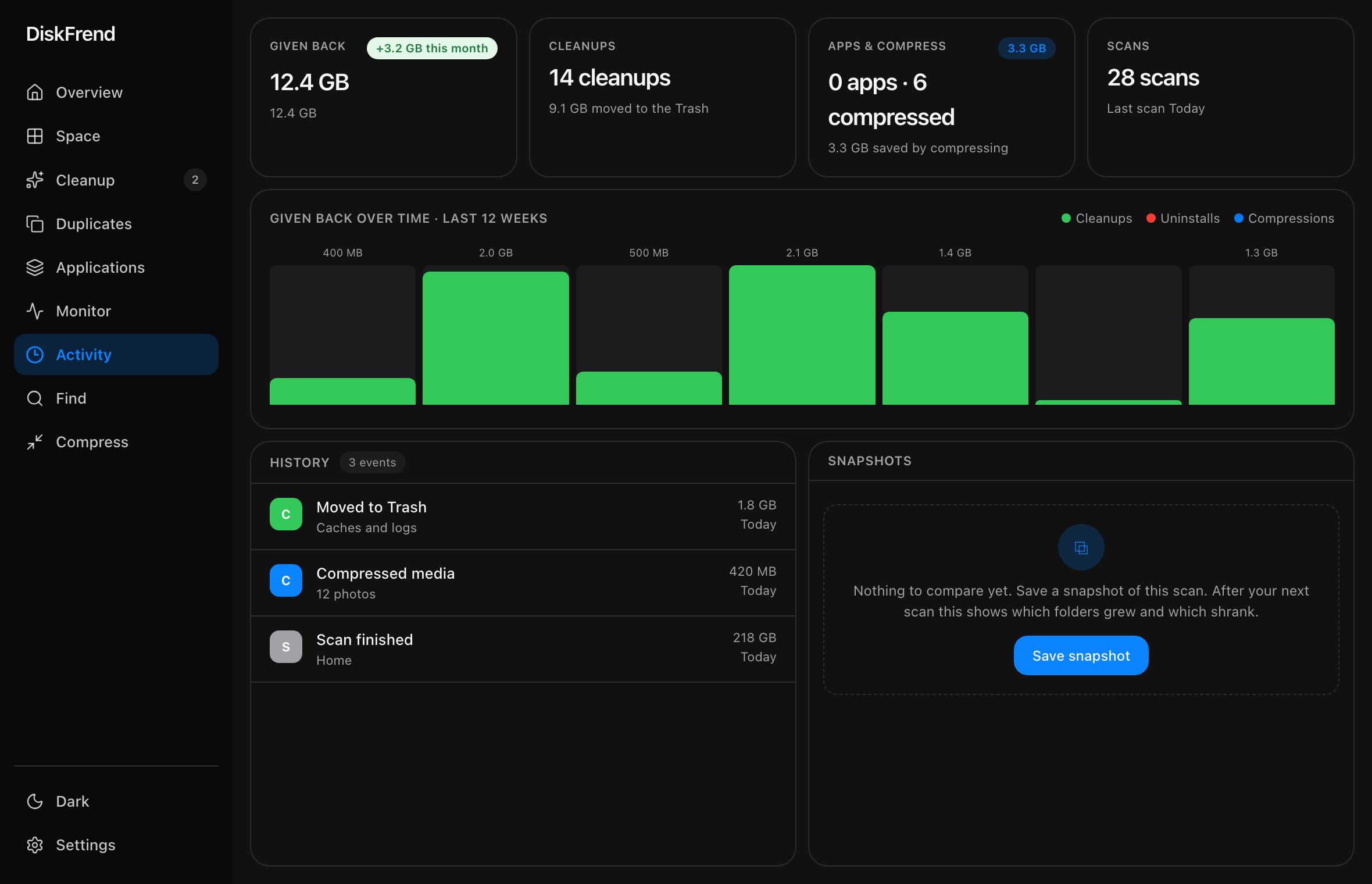
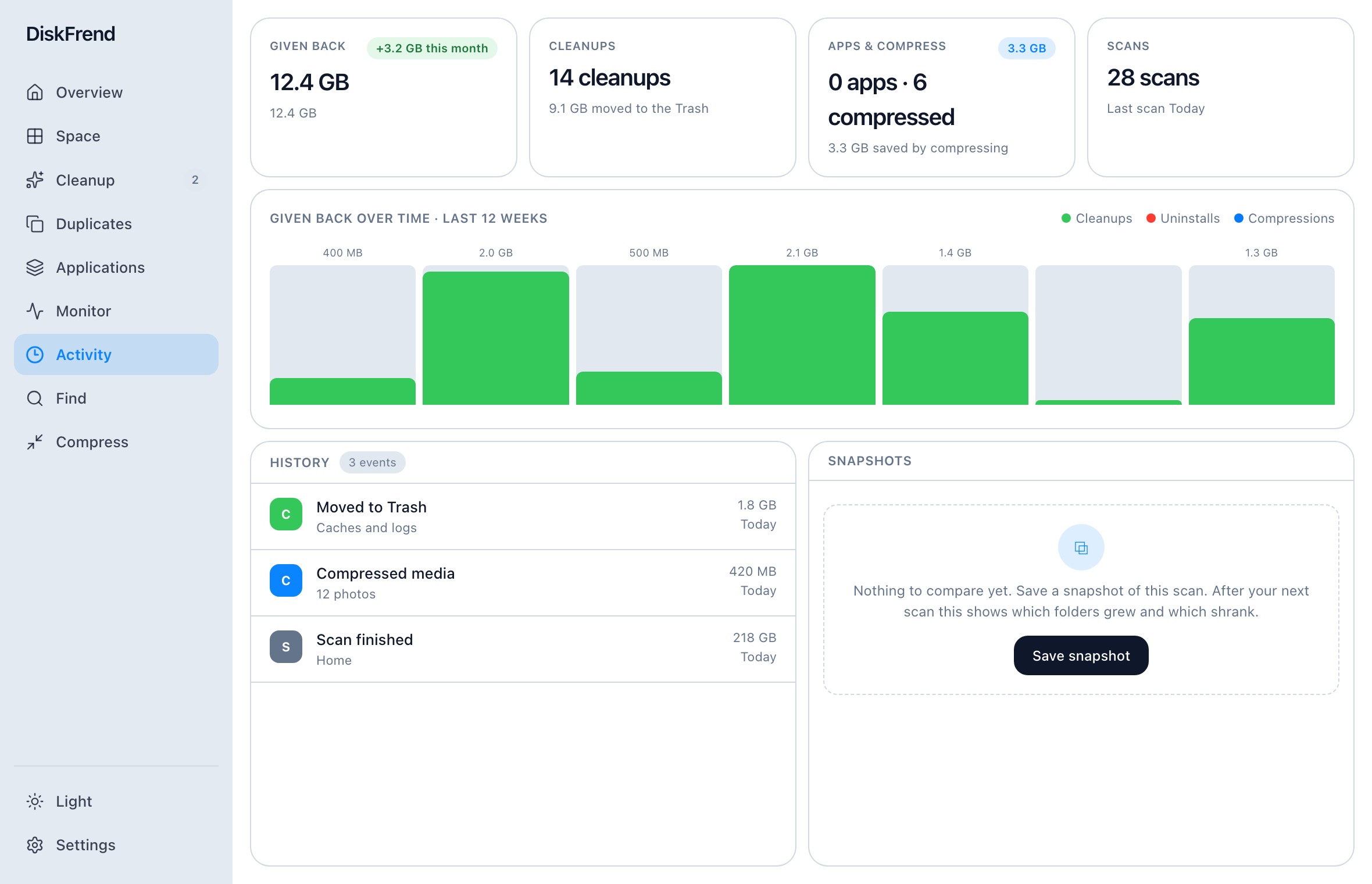 09 Activity The space you got back, week by week. Learn more ›
Safe by design.
Two promises the app keeps, whatever you click.
Nothing is deleted.
Every cleanup moves files to the Trash, never to oblivion. The worst case is a drag back out — or Restore from Cleanup / Activity.
- ✓ You review every staged item first
- ✓ Put Back restores a whole cleanup
Nothing leaves your Mac.
Scanning, hashing, and duplicate matching all happen on your Mac. Not one filename is ever uploaded.
- ✓ No account to make
- ✓ No sync, no analytics
- ✓ Only your licence is checked
Make some room.
No subscription. Every update is included.
Or download the DMG after purchase. Full details on Pricing.
Questions.
What does DiskFrend actually do? +
It scans a drive or folder and maps every byte, then shows where the space went: an overview of the disk, the largest files and folders, what is safe to clear, duplicates, every app’s real footprint, and what the Mac is doing right now. From there you can inspect anything, reveal it in Finder, or stage it for cleanup.
How fast is a scan? +
A home folder is usually a few seconds on Apple silicon. Larger Libraries take longer; the scanner walks in parallel and is limited by the disk, not the UI.
Can I scan external drives? +
Yes. Scan Home, pick any folder, or point DiskFrend at a mounted volume — external SSDs included.
Does DiskFrend send anything off my Mac? +
No. Scanning, hashing, and duplicate matching happen locally. There’s no account, no sync, and no analytics pipeline. Licence activation is the only intentional network step.
Can it delete something I still need? +
Not on its own. Staging builds a list you review in Cleanup. System-critical paths are blocked, and successful cleanups can be restored from Trash.
How much is it? +
$9 once. No subscription. Every update is included. Activate with a key; after that the app keeps working offline with a short grace window if a re-check can’t reach the internet.
Something else? hello@diskfrend.xyz
See what’s filling your Mac.
Clear it safely. Everything goes to the Trash — and DiskFrend can put it back if you change your mind.